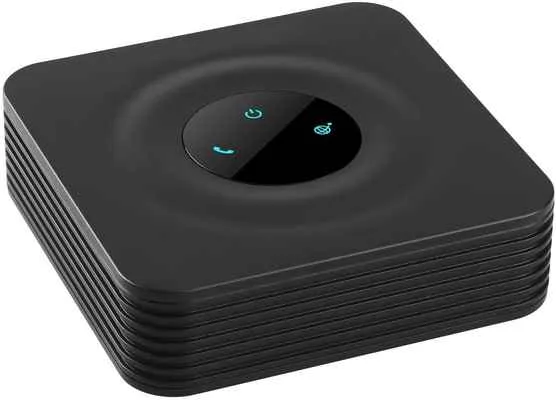
Product description
Analog Telephone Adapters are trusted and deployed by some of the largest service providers in the world. Perfect for your Analog Fax Machines. Ask a Cloud Specialist about our vFax Service (Virtual fax Service).
The Grandstream HT801 analog telephone adapter (ATA) brings powerful VoIP technology and routing to home and office environments. It lets you connect an analog device, such as a standard phone or a fax machine, to a manageable and powerful VoIP network. Built on market-leading SIP ATA/gateway technology, with millions of units deployed worldwide, the HT801 delivers exceptional voice quality in a wide range of applications and environments.
The HT801 has 1 easy-to-use FXS port, state-of-the-art encryption with a unique security certificate per unit, automated provisioning for volume deployment and device management, and outstanding network performance.
Additional discounts may apply to term plans. Please call to confirm price and availability.
What is an analog telephone adapter (ATA)?
An analog telephone adapter, or ATA (also spelled analogue telephone adapter), connects a traditional analog device to a VoIP phone service. It converts the signal from a standard phone or fax machine into internet calls, so equipment you already own keeps working after you move to a cloud phone system.
Businesses use an ATA to keep a fax machine, a lobby or warehouse phone, a cordless phone set or other analog equipment on the same phone system as their IP phones, without replacing it.
Using the HT801 as a fax adapter
Plug your fax machine into the HT801 and it sends and receives faxes over your FastPBX service, just like it did on a phone line. It’s the simplest way to keep a fax number working when you switch to VoIP.
Faxing only now and then? You may not need the machine at all. Ask a cloud specialist about vFax, our virtual fax service, which sends and receives faxes by email.
How to set up the HT801
- Connect it to your network. Plug the included Ethernet cable from the HT801 into your router or network switch.
- Connect your device. Plug your analog phone or fax machine into the HT801’s phone port.
- Power it up. Connect the included power supply.
- Get it on your account. Our 24/7 U.S.-based support team helps you connect the HT801 to your FastPBX account, then make a test call or send a test fax.
Setting up a whole office? See our business phone system installation guide.
Grandstream HT801 FAQ
Does the HT801 work with fax machines?
Yes. Connect a fax machine to the HT801 to send and receive faxes over FastPBX.
How many phones can one HT801 connect?
One. The HT801 has a single phone port, so it connects one analog phone or fax machine. Use one HT801 per device.
Do I need a computer to use it?
No. The HT801 connects straight to your network; your phone or fax machine works on its own.
What’s in the box?
The HT801 adapter, its power supply and an Ethernet cable.
More hardware
All hardware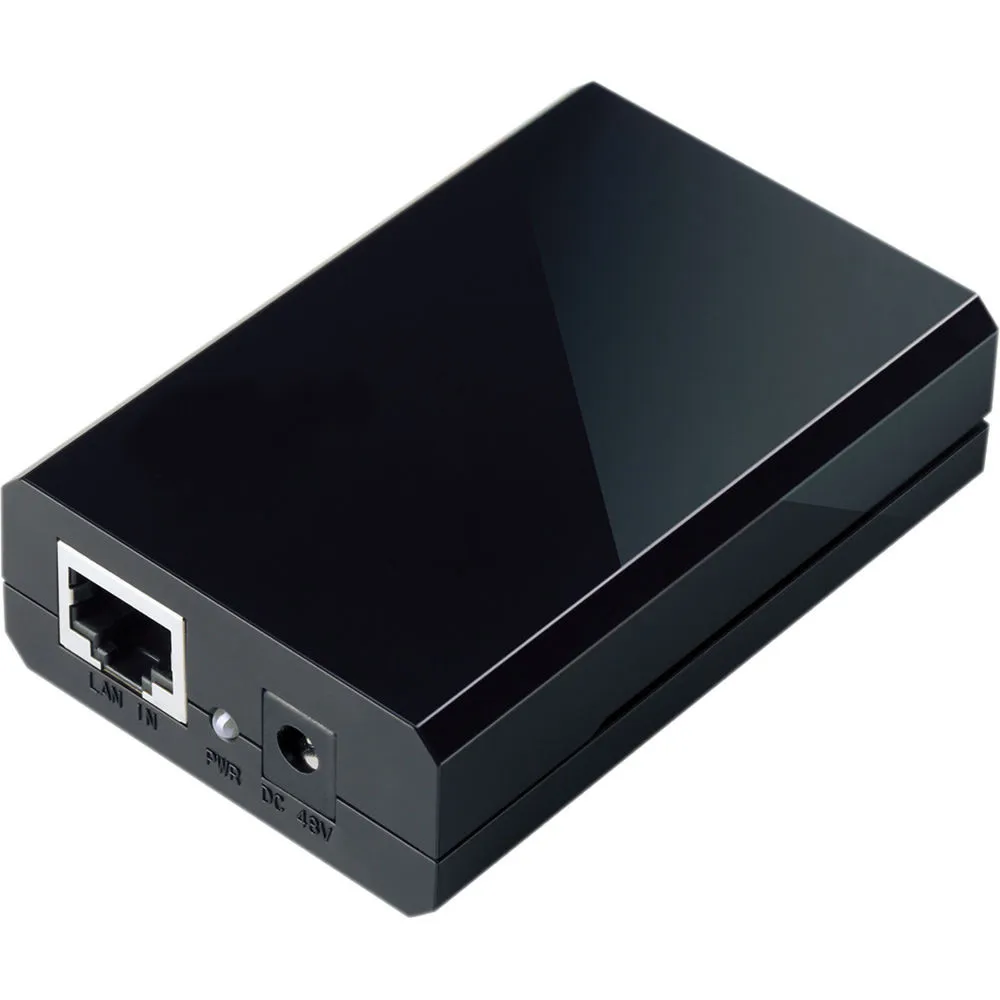 TP-Link
PoE Injector Adapter
Great for Cisco 8800's hardware$24.95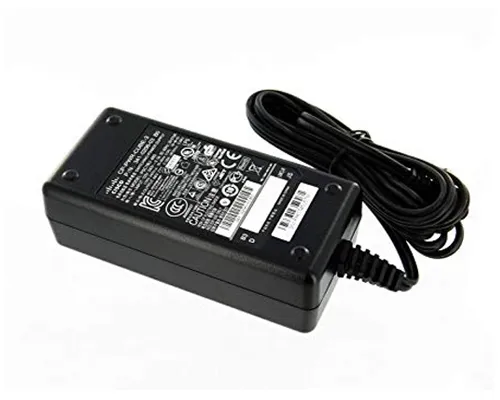 Cisco
Power Supply for Cisco Power Cube 3
Power supply for all models of Cisco IP phones$29.95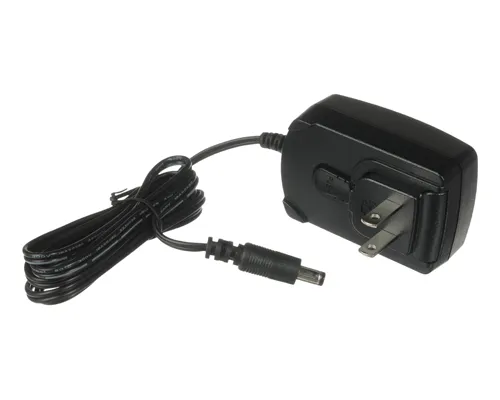 Cisco
Cisco PA100 Power Supply for SPA IP Phones
Power Adaptor for SPA Series IP Phones$19.95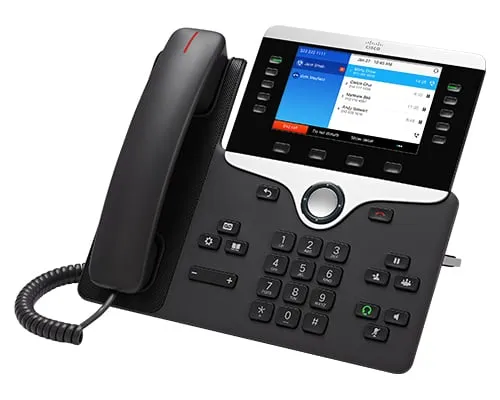 Cisco
Cisco 8800 Series 10-Line IP Phone (8841, 8851, 8861)
5 Inch widescreen VGA color display$199.95Pair it with a FastPBX plan.
Try any of our business plans free for 15 days. No contract, and 24/7 U.S.-based support on every plan.